
Plugins
Plugins are the building blocks which make your Application what you want it to be
Plugin List
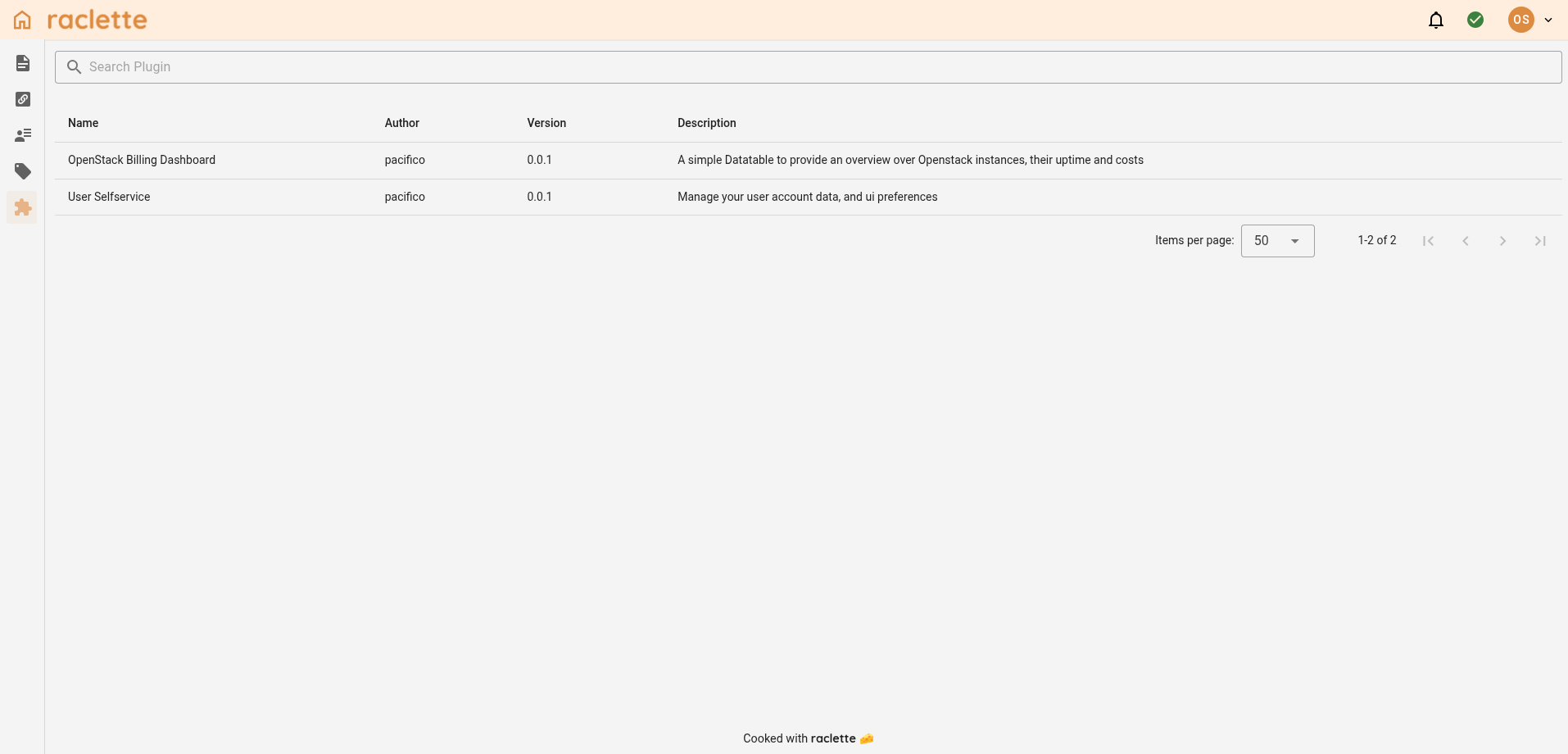
In the plugin list view, you get a list of all your installed plugins with ther respective meta data. Some plugins might even provide Settings or plugin specific datatypes
Configure Plugins
By clicking the respective plugin you will be able to see the plugin specific configuration page, if the plugin provides it. This is indicated by a little edit icon prepended to the plugin name. When no settings are provided, the list entries are not clickable.
Each plugin can render their settings individually. Currently there is no default template.
Cache plugin
The built-in raclette__cache plugin powers the Cache List widget for read-only Valkey inspection. It does not provide a separate plugin settings page; see the Cache List documentation for usage, toolbar options, and secret-key redaction.